Everyone who has used Claude Code for more than a week has had this moment. You add a line to your CLAUDE.md that says do not create new files unless asked. The agent follows it beautifully. Then, forty minutes into a long session, it creates four files you did not ask for.
The instinct is to write the rule more forcefully. Bold it. Put it at the top. Add ALL CAPS. That instinct is wrong, and understanding why is the whole point of hooks.
What are Claude Code hooks?
Claude Code hooks are scripts the runtime executes automatically at fixed points in a session. There are eight of those points, and it helps to see the whole lifecycle at once: SessionStart when a session opens, UserPromptSubmit the instant you press enter, PreToolUse right before any tool call, PostToolUse right after one, PreCompact just before the context window is summarized, SubagentStart and SubagentStop around a spawned Task, Stop when the agent decides it is finished, and SessionEnd when the session closes. At each one Claude Code hands your script a JSON description of the event on stdin. That payload always carries the session id and the transcript path, plus fields specific to the event: UserPromptSubmit includes the raw prompt text, PreToolUse and PostToolUse include the tool name and the exact tool input, and PreCompact tells you whether the compaction was manual or automatic. Your script runs, and Claude Code reads back exactly two things: the exit code and whatever the script printed to stdout. The model is not consulted about any of it.
That last sentence is the entire value. Everything you put in a markdown file is context competing for a model’s attention against everything else in the window. Everything you put in a hook is a program. The model can skim your CLAUDE.md. It cannot skim an exit code.
A rule is a request. A hook is enforcement.
Both belong in a healthy setup, doing different jobs. CLAUDE.md explains intent, taste, and the things that need judgment. A hook carries any rule that must hold every single time, regardless of how long the session has run or how confident the model feels. Ask yourself one question about each rule: what happens if the agent ignores this once?
If the answer is “a slightly worse commit,” leave it in markdown. If the answer is “it deletes a table” or “it writes four hundred lines before I could say what I wanted,” that rule does not belong in prose. It belongs in code.
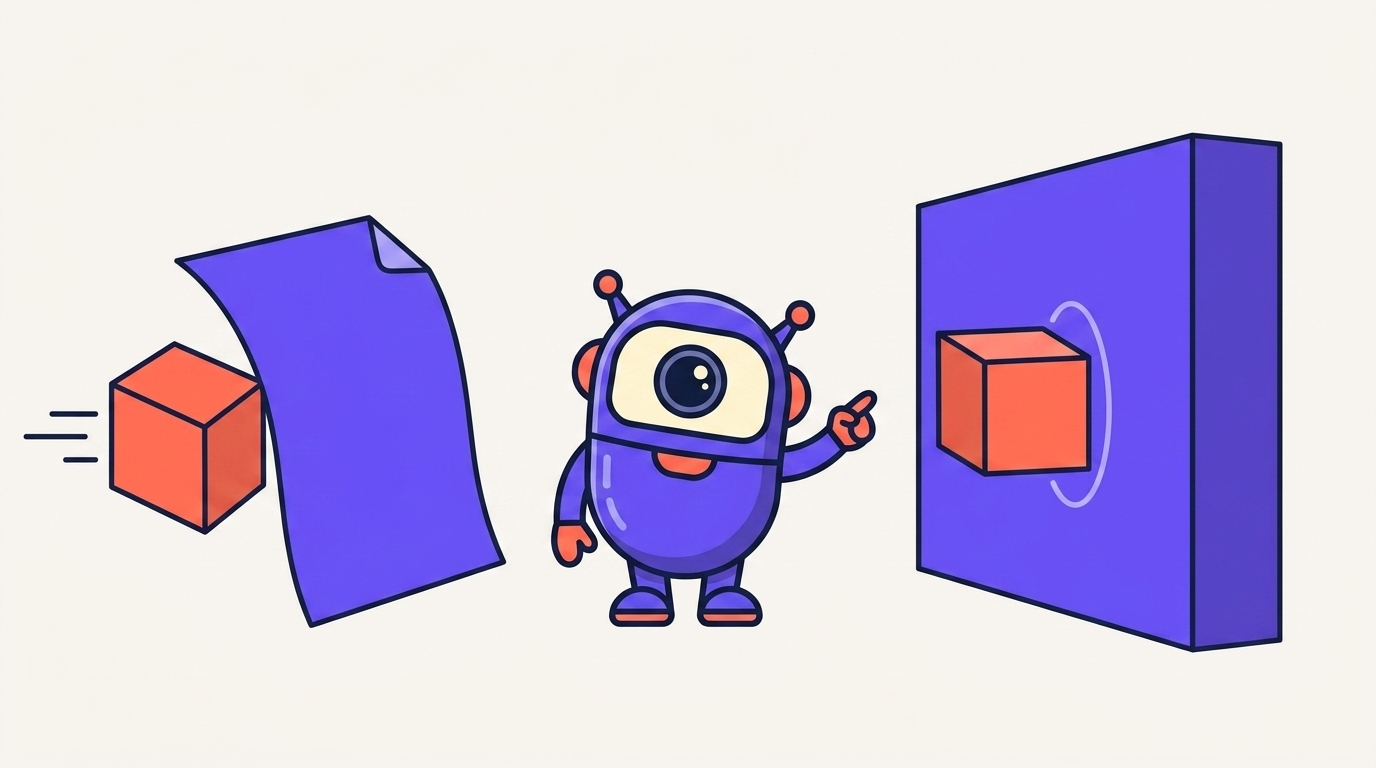
A hook answers in one of two ways. It exits with a code, where 2 is the blocking signal and Claude Code feeds your stderr back to the model as the reason. Or it exits 0 and prints a JSON object on stdout. What that object does depends on the event: on a PreToolUse event it carries hookSpecificOutput.permissionDecision set to allow, deny, or ask, so the hook decides the fate of the tool call before it runs. On an event like UserPromptSubmit or SessionStart the same stdout channel injects extra context straight into the model's next turn instead. The trap that catches people is that exit 1, the conventional Unix failure code, does not block anything: Claude Code treats any non-zero-but-not-2 exit as a warning it logs and steps over.
The eight events, and what we wired to each
Claude Code fires hooks across a session lifecycle, not just around tool calls. kitstarter ships eight scripts across eight of those events. This is the table our installer writes into your settings.json, and it is the most honest answer we can give to “what would you actually do with hooks.”
Two of those rows deserve a closer look, because they are opposites, and the difference between them is the whole design philosophy.
The one place we hard-deny, and the one place we refuse to
The clarity hook denies, and it is the concrete example worth copying. It works in two stages. At UserPromptSubmit it reads your prompt on stdin, judges whether the goal is specified well enough to act on, and when it is not it prints an instruction back on stdout that forces the agent to ask its clarifying questions before touching anything. The tool boundary then backs that up: on any Edit, Write, MultiEdit or NotebookEdit it returns a permission decision of deny until you have confirmed what you actually want, then it lifts. This is a real lock, not a nudge. The agent cannot write your first file until the goal is agreed, no matter how far the conversation has drifted.
The safety guard refuses to block. It sits on Bash, it recognizes destructive commands, and it only warns. The reasoning is written in the file itself: a kit that hard-blocks your commands gets uninstalled. Being right about a dangerous command is worth nothing if the user rips the whole thing out a week later.
That is the rule worth stealing. Block where the cost of being wrong is high and the friction of asking is low. Warn everywhere else. A hook that blocks too much is a hook that gets deleted, and a deleted hook enforces nothing. The same logic runs in reverse for the flag people reach for when the prompts get tiring: {skipFlag} is not tuning the judgment, it is removing it.
Both fail open. Any error inside the hook and it stays silent and lets you work. A coaching feature is never worth breaking a session over.
What hooks actually changed, measured
Every other page about Claude Code hooks explains the API. Almost none of them tell you what changes when the hooks are running, because that requires putting them into production and measuring. We ran a clean-room suite: same model, same scripted vibe-coder conversations, fresh sandbox per arm, one arm with the hooks and one without.
The last two rows matter more than the first four. Hooks are not free. On a task that was already unambiguous, the clarity engine is pure overhead: it asks a question nobody needed and you pay for the tokens. That is the honest cost of a floor, and it is the open product problem we are tuning.
Where to start with Claude Code hooks
You do not need eight. Start with one, and pick it by asking which failure has actually cost you time this month.
If your agent builds before you finish explaining, put a lock on Edit and Write. If it runs commands that scare you, warn on Bash. If it says done without checking, use Stop to make done a claim the runtime verifies. If you spawn subagents and notice they ignore rules the main agent follows, re-inject on SubagentStart. If long sessions keep bloating the window until you hit the Claude Code prompt is too long error, teach context hygiene on PreCompact. And if you simply want to see what is happening, a status line costs nothing and pays back immediately.
Write it, log first, block later. Roll out gradually: log the event without blocking, then warn on the patterns you recognize, and only block the things that have genuinely caused damage. A hook you trust is worth ten you disabled.
None of this requires a kit. Hooks are a Claude Code feature and the docs are good. What a kit gives you is the part that took us months: knowing which events are worth wiring, which rules deserve enforcement instead of prose, and where blocking backfires. If you would rather not assemble that yourself, we shipped ours, and you can read exactly what it does before you install it.
Whether that trade is worth it depends on which failure is costing you time. See the three people who buy this and the measured before and after for each.
Common questions
What are Claude Code hooks? Claude Code hooks are scripts that Claude Code runs automatically at fixed points in a session, such as before a tool call or when you submit a prompt. Claude Code passes the event as JSON on stdin and reads the exit code and stdout. Because the runtime executes them, hooks are deterministic: they happen whether or not the model cooperates.
What is the difference between CLAUDE.md and a hook? CLAUDE.md is context the model reads and may skim, so a rule written there is a request. A hook is code the runtime executes, so it is enforcement. Use CLAUDE.md to explain intent and a hook for any rule that must hold every time, such as refusing to write files before the goal is confirmed.
Can a Claude Code hook block the agent? Yes. A PreToolUse hook can exit 2, which blocks the tool call and feeds your stderr back to the model, or it can exit 0 and print JSON with hookSpecificOutput.permissionDecision set to allow, deny, or ask. Blocking is powerful, so reserve it for cases where being wrong is expensive and the friction is low.
Do Claude Code hooks slow the agent down? They cost something. In our clean-room benchmark the hooked kit was faster and cheaper on three of five tasks because asking first avoided rework, but it was about twice as slow and roughly 75 percent pricier on an already-clear task, with a 25 percent average cost premium from hook context tokens.
What are some Claude Code hooks examples? A hook is any script wired to a lifecycle event. Practical examples: a PreToolUse hook on Edit and Write that denies the write until the goal is confirmed, a PreToolUse hook on Bash that warns before a destructive command, a Stop hook that refuses to let the agent claim done until its work is checked, and a SubagentStart hook that re-injects your rules into a spawned Task. The kit ships eight of these across eight events, but the smallest useful one is a single script that logs every tool call so you can see what your agent actually does.
How do I set up a Claude Code hook? Add a hooks block to your settings.json, either the project .claude/settings.json or the global one. Under the event name, such as PreToolUse, give a matcher for the tools it applies to and a command that runs your script, for example "command": "node .claude/hooks/clarity.mjs". Claude Code then passes that event as JSON on stdin every time it fires and acts on your exit code and stdout. A safe way to start is to log the event without blocking, confirm it fires, then add warn or deny logic once you trust it.
Put the rules where the agent cannot skim them
kitstarter wires eight hooks into Claude Code, Codex, and Antigravity so they ask before they build, stay lean, and do not look AI-made.